Being an ABAP Developer as a Linux User

I'm an ABAP Developer, I'm telling this to who don't know me. And I love using Linux as my operating system. I do not "hate" Windows or Mac, but not fun of them. Using Linux is can be harsh on some aspects, but much more stress free too. Back in time It was much more better then today but its a different story to tell.
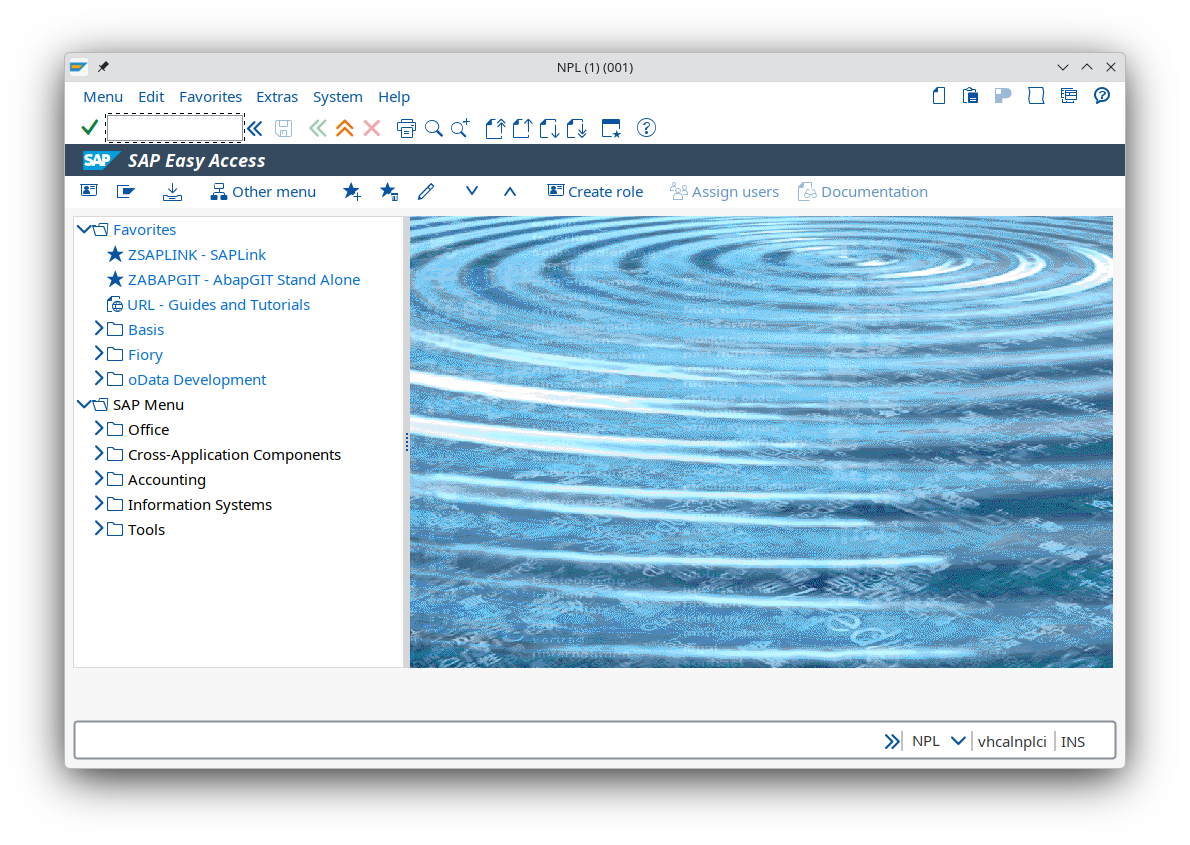
SAP can be used in Linux systems but not all the stuff run as good as how run on windows. For that reason most people who prefer to run SAP Clients on Linux with in Windows Virtual Machine. I use JAVA version of GUI which is know as Platinum GUI.
Developing and Running SAP on Linux: Contradictions and Realities
SAP stands as one of the most influential enterprise software providers in the world. Yet, when it comes to developer tools and user interfaces, SAP remains heavily Windows-centric. The flagship client, SAP Logon, is designed for Windows, with features such as Office integration and ActiveX dependencies that have no real alternatives on Linux. Even the SAP GUI for Java (Platinum), intended as a cross-platform solution, feels outdated: the editor is still plain text, with no syntax highlighting or modern IDE capabilities.
This creates a paradox: while SAP’s servers run predominantly on Linux (especially SUSE Linux Enterprise Server), its developer tools are still locked into the Windows ecosystem.
The Limitations of Development Environments
- Eclipse: SAP’s ABAP Development Tools (ADT) in Eclipse provide a somewhat modern environment, but they are still tied to SAP Logon for many core functions. This dependency limits what Eclipse can achieve independently.
- Visual Studio Code: Although VS Code is widely adopted in the developer community, SAP’s support for it is minimal. Compared to Eclipse, VS Code is far more limited as an SAP development environment. Key shortcomings include:
- No deep ABAP integration.
- Lack of native debugging tools.
- No seamless connection to SAP systems without third-party plugins.
- Missing features for transport management and system navigation.
In short, VS Code is not even close to Eclipse in terms of SAP development capabilities, making it more of a lightweight editor than a true IDE for SAP.
This fragmented tooling landscape leaves Linux developers at a disadvantage compared to their Windows counterparts.
SAP’s Slow Transition to the Web
SAP has recognized the need for a platform-independent solution and has been pushing towards web-based development. Frameworks like SAPUI5 and Fiori are intended to modernize the user experience and make SAP accessible across operating systems. However, progress has been slow:
- UI5 Challenges: Traditional ABAP developers struggle to adapt to UI5 because it requires mastering JavaScript, XML views, and MVC patterns—radically different from ABAP’s procedural style.
- Double Effort: UI5 development often requires both frontend and backend work, effectively doubling the workload compared to classic ABAP-only projects.
- Lack of a Proper IDE: SAP has failed to provide a truly robust development environment for UI5.
- WebIDE: Once promoted as the future, now discontinued.
- Eclipse: Provides some support, but integration is clunky.
- Visual Studio Code: Lightweight, but lacks deep SAP tooling.
- SAP Business Technology Platform (BTP): Offers cloud-based development, but adoption is slow and the tooling feels incomplete.
This leaves developers in a frustrating position: SAP promises cross-platform accessibility, yet the actual tools remain fragmented and underpowered.
Why Linux Despite the Struggles?
Despite these challenges, Linux remains my preferred environment. The reason is control and authenticity:
- No forced applications I cannot uninstall.
- No hidden settings—everything is configurable.
- No manipulative triggers pushing me in unwanted directions.
- No personal data being funneled into services I don’t trust.
- No “simplicity” that hides important details from me.
Linux gives me full ownership of my system. Even if SAP’s tooling is weaker here, the freedom and transparency outweigh the limitations.
Conclusion
SAP’s reliance on Windows for client-side tools, while simultaneously running its servers on Linux, highlights a deep contradiction. Eclipse and VS Code offer partial solutions, but neither provides a complete IDE experience for SAP development on Linux. SAP’s move to the web with UI5 and BTP could eventually resolve this, but progress has been slow and adaptation remains difficult.
For now, Linux developers must balance the freedom of their environment against the limitations of SAP’s tooling. The hope is that SAP will eventually deliver a truly platform-independent development experience—one that matches the openness and flexibility of Linux itself.


